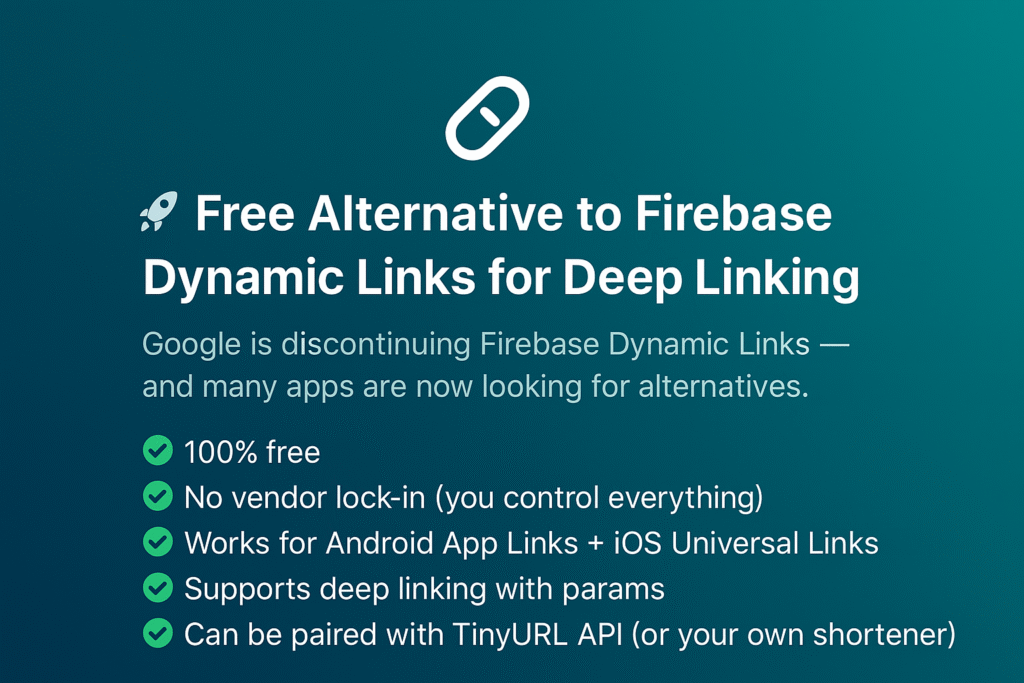
Google recently announced the discontinuation of Firebase Dynamic Links, leaving many developers searching for reliable alternatives.
I recently migrated one of my projects away from Firebase Dynamic Links, and in this post, I’ll walk you through a 100% free solution that works seamlessly across both Android and iOS.
🔑 Why This Approach?
- ✅ Completely Free – no hidden costs
- ✅ No Vendor Lock-in – you own everything
- ✅ Supports Android App Links + iOS Universal Links
- ✅ Works with deep linking & parameters
- ✅ Optional link shortener (TinyURL API or your own
🛠 Step-by-Step Integration
1. Configure Android – assetlinks.json
Create a file named assetlinks.json and host it at:
https://your-domain/.well-known/assetlinks.json
Example:
[
  {
    "relation": ["delegate_permission/common.handle_all_urls"],
    "target": {
      "namespace": "android_app",
      "package_name": "your.package.name",
      "sha256_cert_fingerprints": ["YOUR_SHA256_CERT"]
    }
  }
]
2. Update Android Manifest
Add this intent filter inside your AndroidManifest.xml:
<intent-filter android:autoVerify="true">
    <action android:name="android.intent.action.VIEW" />
    <category android:name="android.intent.category.DEFAULT" />
    <category android:name="android.intent.category.BROWSABLE" />
    <data android:scheme="https" android:host="your-domain" />
</intent-filter>
This ensures your app handles links from your domain.
3. Configure iOS – apple-app-site-association
Host a file named apple-app-site-association at:
https://your-domain/apple-app-site-association
Example:
{
  "applinks": {
    "apps": [],
    "details": [
      {
        "appID": "TEAM_ID.BUNDLE_ID",
        "paths": ["*"]
      }
    ]
  }
}
This enables iOS Universal Links for your app.
4. Handle Links in Flutter
Add the app_links package to your project and listen for incoming links:
final _appLinks = AppLinks();

_appLinks.uriLinkStream.listen((Uri? link) {
  if (link != null) {
    print("Deep link: $link");
    final params = link.queryParameters; // extract params
  }
});
5. (Optional) Shorten Your Links
For user-friendly links, you can integrate TinyURL API:
final response = await http.post(
  Uri.parse('https://api.tinyurl.com/create'),
  headers: {
    'Authorization': 'Bearer YOUR_API_KEY',
    'Content-Type': 'application/json',
  },
  body: jsonEncode({'url': longUrl}),
);
You can also set up your own shortener if you prefer full control.
🏆 The Result
- Firebase Dynamic Links → ❌ Removed
- Deep Linking → ✅ Fully owned & free
- Cross-platform (Android + iOS) → ✅ Works perfectly
💡 Final Thoughts
Migrating away from Firebase Dynamic Links doesn’t have to be complicated. With App Links (Android) and Universal Links (iOS), you get a robust, vendor-free solution that you fully control.
👉 How are you planning to handle deep linking after Firebase Dynamic Links?
Would you prefer a self-hosted solution like this or rely on a third-party provider?